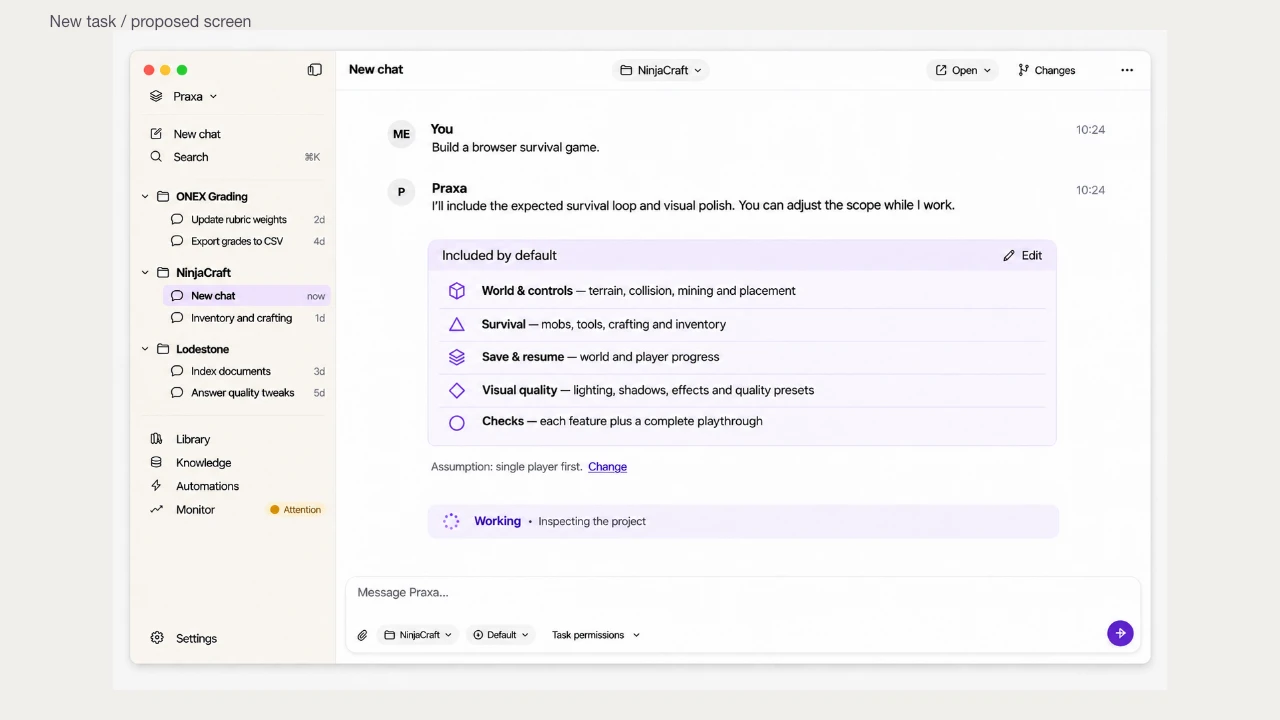
A short prompt. A considered scope.
The expected basics belong in the plan, even when you didn’t write a perfect specification.
See the workspace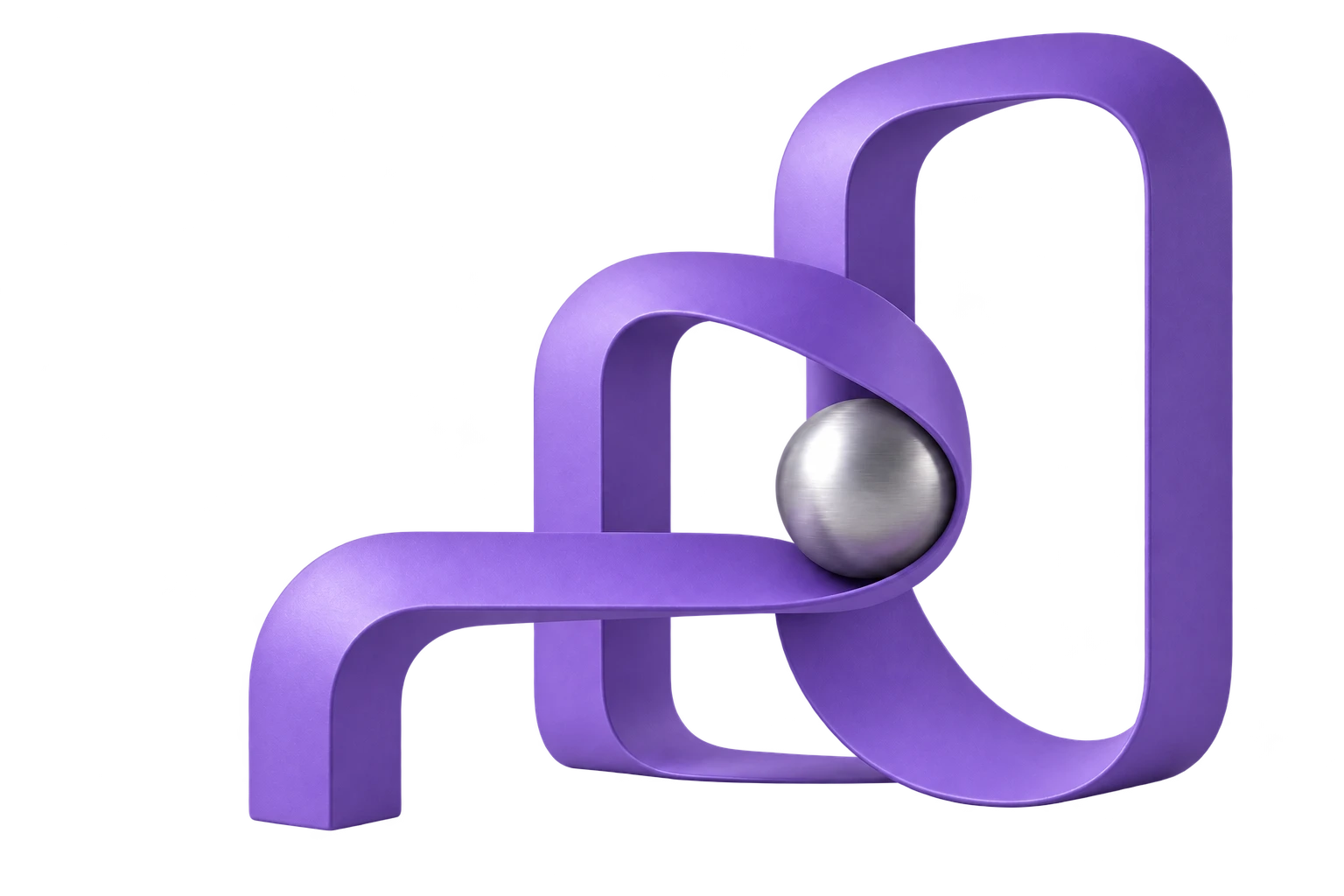
Build software, create designs, and follow through on calls and meetings in one desktop workspace. Review the work as it happens.
AI teammates since .
In meetings and on calls since .
Make the introduction, ask the right questions and keep the follow-up. Your project context belongs in the conversation, not in another briefing.
Discuss the work, capture decisions and keep action items close. When it’s time to show the work, approve the source before Praxa presents.
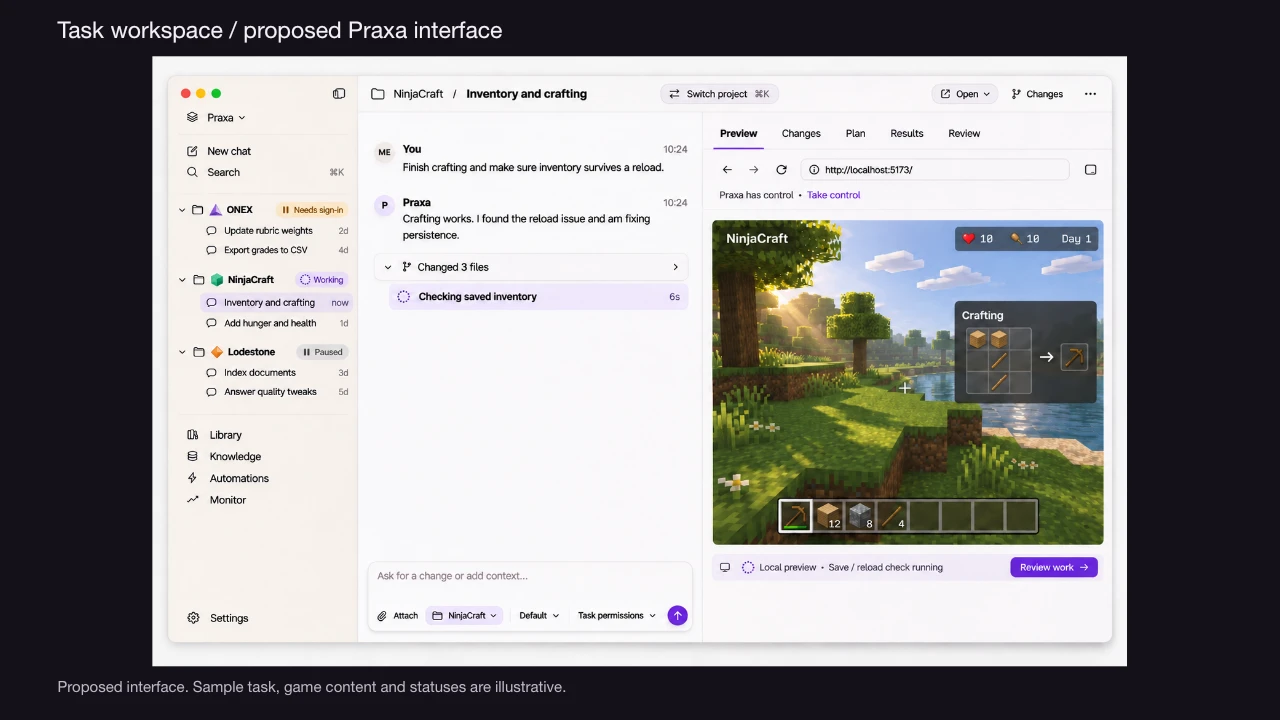
Give Praxa an outcome. Keep the conversation going while the work takes shape.
The expected basics belong in the plan, even when you didn’t write a perfect specification.
See the workspaceProjects, conversations and useful outputs should build on each other, not disappear into another chat.
Find the design, report or result by project. Pick up the conversation with its history close at hand.
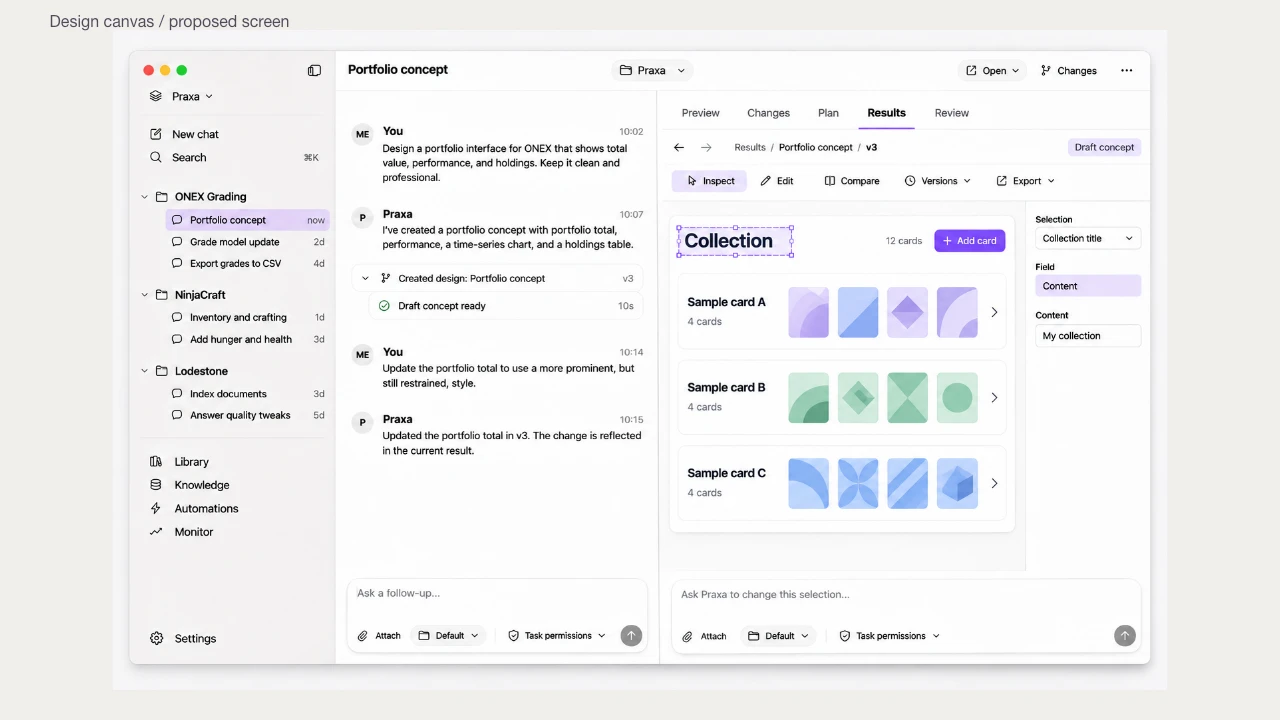
Meaningful progress, clear requirements and a review of what was actually delivered.
Calls, meetings and follow-through with the relevant project context. Approvals stay part of the flow.
Your files, connections and spending deserve more than a vague “trust us.”
Choose when a task moves beyond your desktop, and understand what it can access there.
See the destination, recipient or screen source before approving a consequential action.
Separate AI, cloud, calling and meeting usage. Any additional spending should be an explicit choice.
Bring the project, the goal and the relevant company context. Praxa connects the plan to the work, then brings back a result you can inspect.
Explore Praxa for your companyDescribe the job in your own words. Keep the requirements and boundaries visible as the scope develops.
Inspect the changes, open the preview and find the deliverables by project.
See the checks and supporting evidence. Keep the follow-up connected to the original request.
For your everyday projects, development and business tasks.
More included usage for a heavier workload.
USD per license, billed monthly. No charge for creating an account. Review the plan and total in secure checkout. Usage limits apply.
Praxa helps build and debug software, create designs and documents, research decisions, and follow through on business tasks. Project context connects the work to calls and meetings. You can inspect the plan, preview the result and review the checks.
Praxa’s AI teammate and employee-management work dates to May 2026, with calls and meeting participation live since June 2026. Today, that foundation connects project context, execution, calls, meetings and review in one workspace.
No. Describe the result you want in ordinary language. Praxa develops a plan and works through it with you. Developers can use the same workspace to inspect source changes, run commands and review implementation details.
Choose a cloud session for work that needs to continue away from your computer. Cloud sessions can use only the repositories, files and connections available to that environment. They do not automatically have access to your local desktop.
Local work runs on your computer. Hosted models receive the context needed for their requests; cloud sessions and connected services process data outside your device. Review the privacy policy and approve the access your task needs.
Create your account in the app or on the web, then choose Desktop at $149/month or Desktop Plus at $249/month. Payment takes place in secure checkout. Creating an account alone does not start a paid subscription.
Installer downloads are currently private. Use “Request desktop access” to ask for an invitation. You can create an account before installing.
A messy backlog. A promising idea. The task you need another pair of hands for.